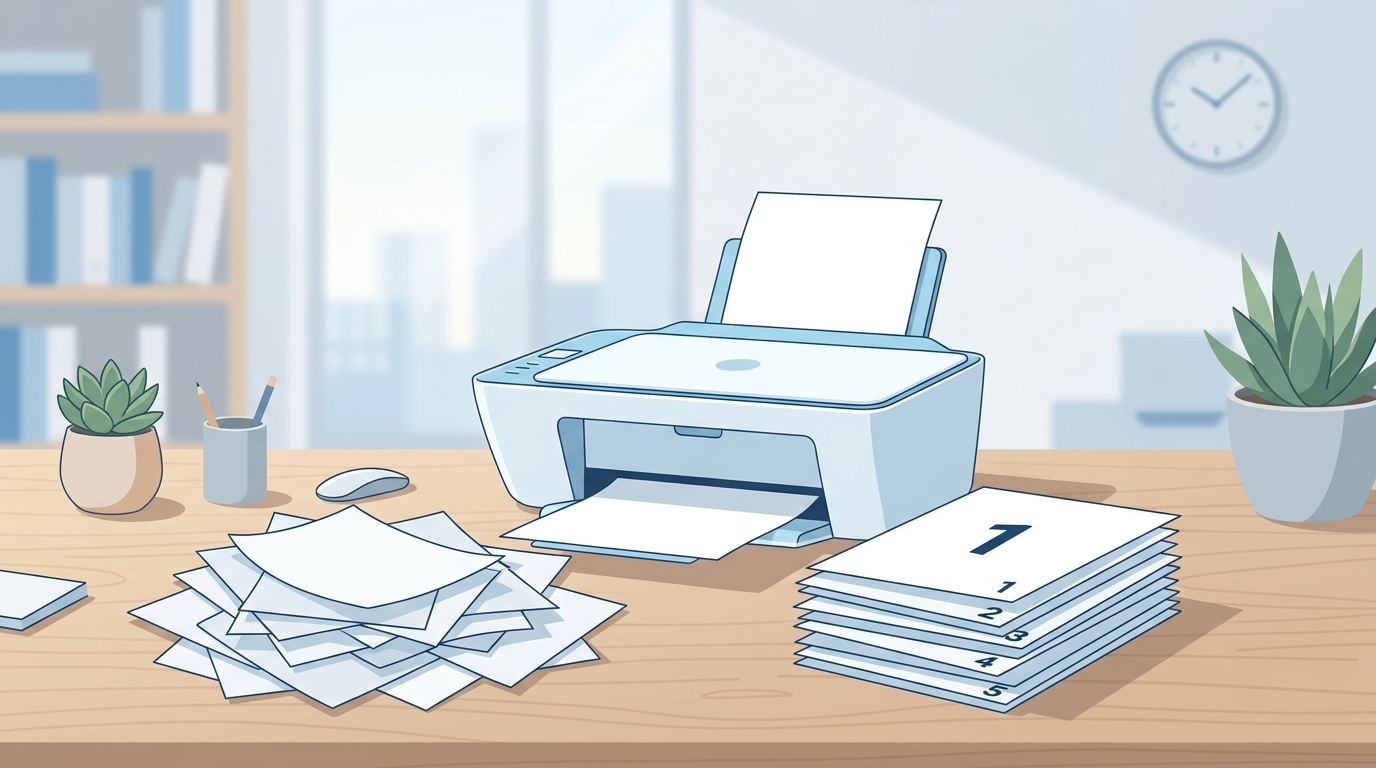
Whenever you print multiple copies of a document, you’ve probably noticed a “Collate” checkbox in the print settings. Many people either ignore it or aren’t quite sure what it actually does. This article breaks down the term in plain language, with examples.
What Collate Means
Collate means arranging the copies of a multi-page document in the correct page order, so each copy comes out as a complete, properly ordered set. In simple terms, the printer automatically organizes the pages so you don’t have to sort them by hand afterward.
Collated vs. Uncollated — A Practical Example
Suppose you have a 3-page document and want to print 3 copies.
With Collate turned on:
- Copy 1: Page 1, 2, 3
- Copy 2: Page 1, 2, 3
- Copy 3: Page 1, 2, 3
Each copy comes out of the printer complete and in order.
With Collate turned off:
- All 3 copies of Page 1 print first
- Then all 3 copies of Page 2
- Then all 3 copies of Page 3
The pages come out grouped by page number instead of by copy, so you’d need to sort them into sets yourself afterward.
If printing technology has you curious about tech in general, our article on What is AI? is a great next read.
Why Collate Matters
- Saves time: When printing multiple copies, having Collate turned on means you skip the manual sorting step entirely.
- Professional results: For meetings, reports, or handouts, each recipient needs a complete, properly ordered set — collating ensures that.
- Fewer mistakes: Uncollated printing makes it easier for pages to get mixed up, especially with a large number of copies.
When to Turn Collate On or Off
- Turn Collate on when you need complete sets — for example, handouts for a meeting or copies of a report to distribute.
- Turn Collate off when you just need a large batch of a single page (like forms or flyers where each page will be used separately) — in this case, having the printer group all copies of one page together is often more convenient.
Summary
Collate is a printing setting that determines the order in which multiple copies of a multi-page document are printed. It’s often turned on by default because most people want complete, properly ordered copies. Next time you see this option in a print dialog box, you’ll know exactly when — and why — to use it.
For more helpful guides like this one, be sure to visit the Alpha Magazine homepage.